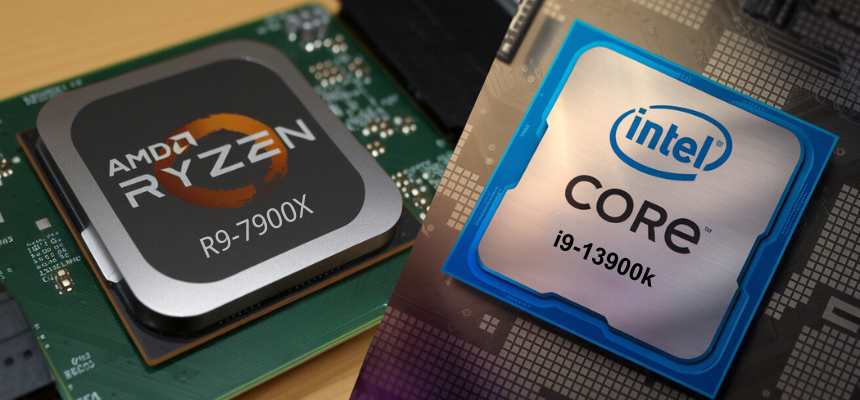


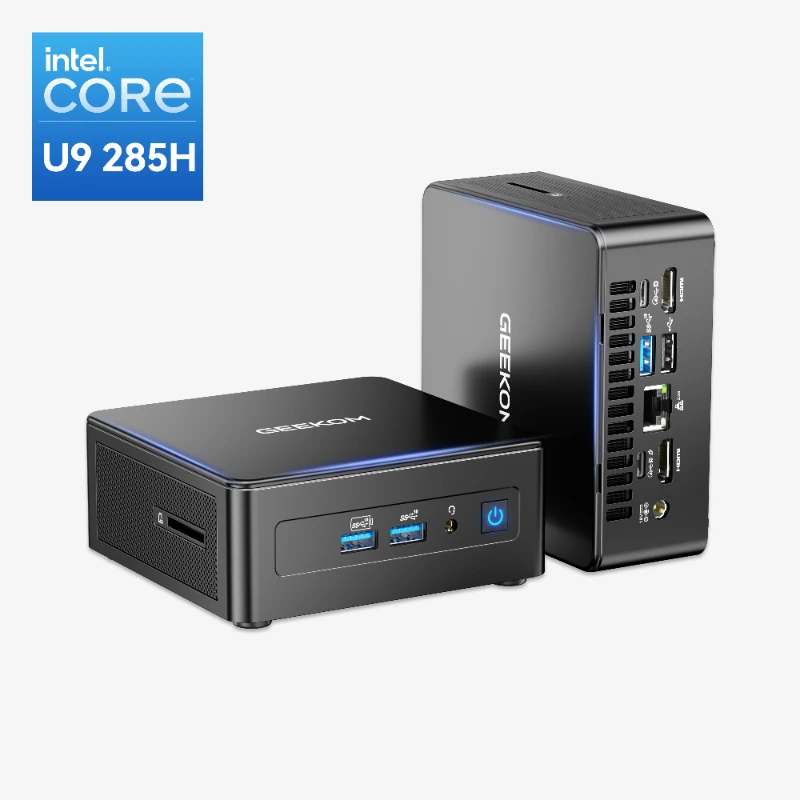
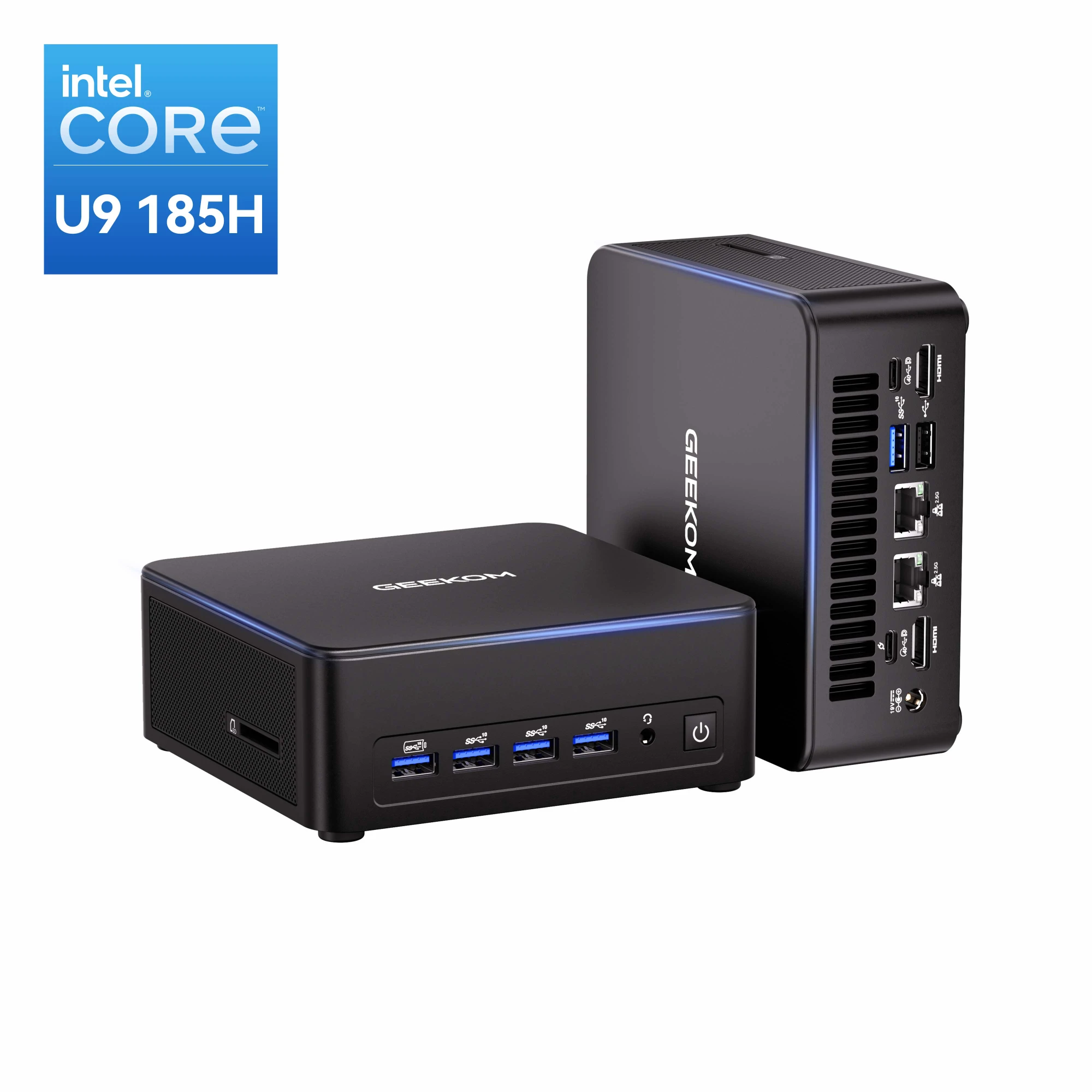
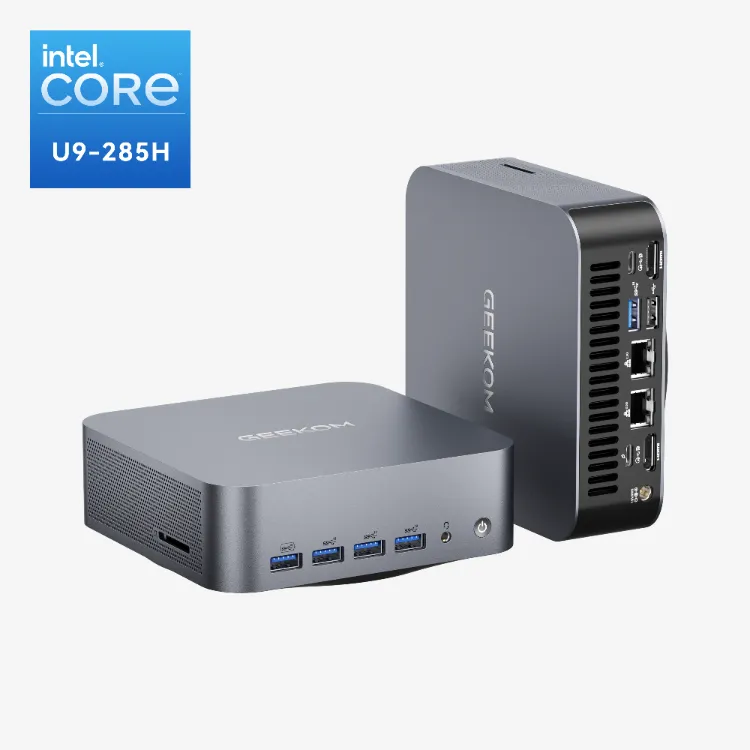
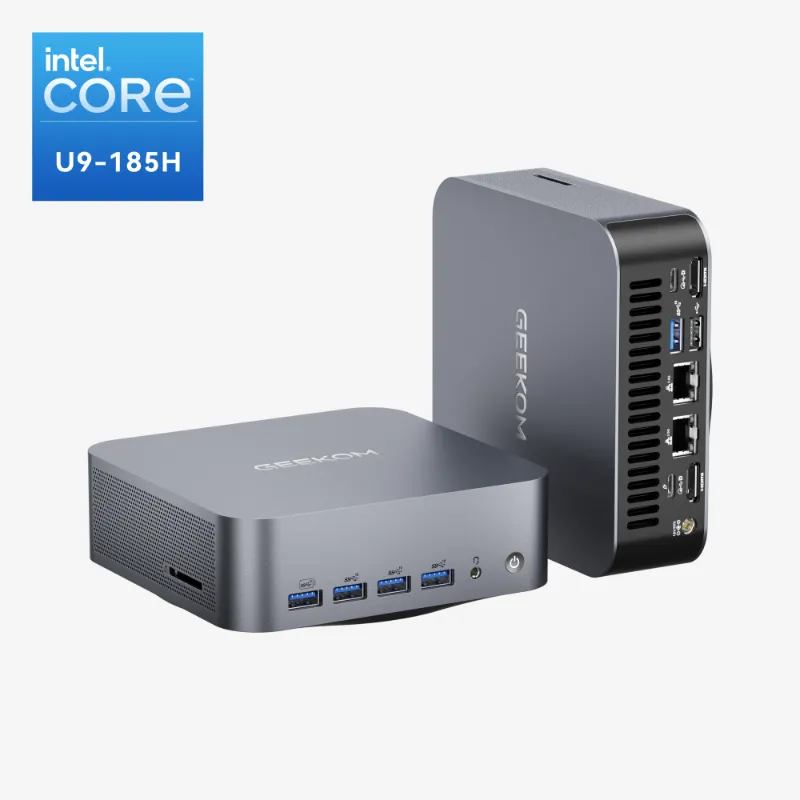
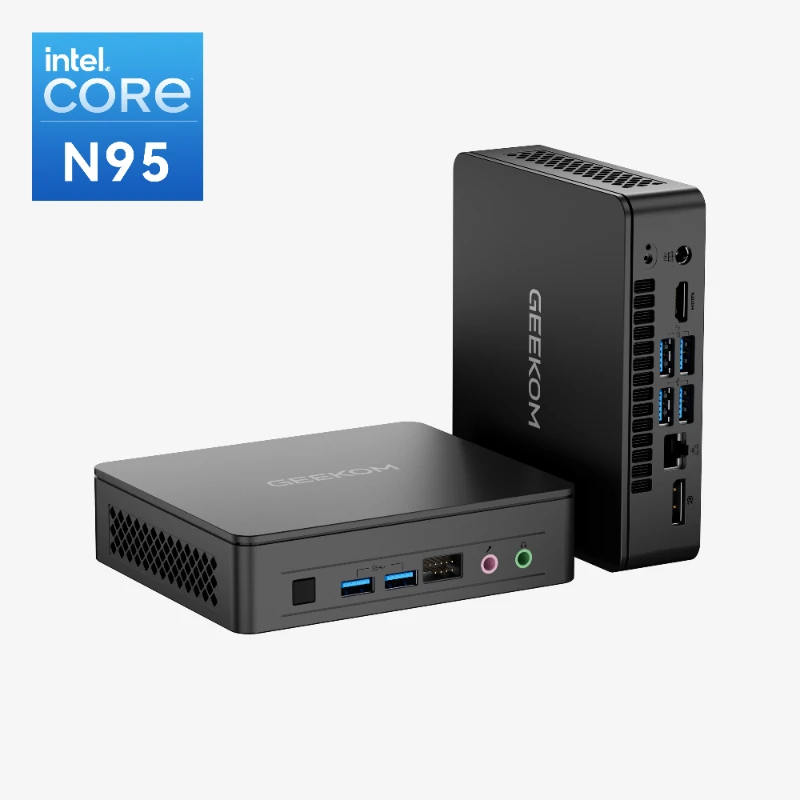
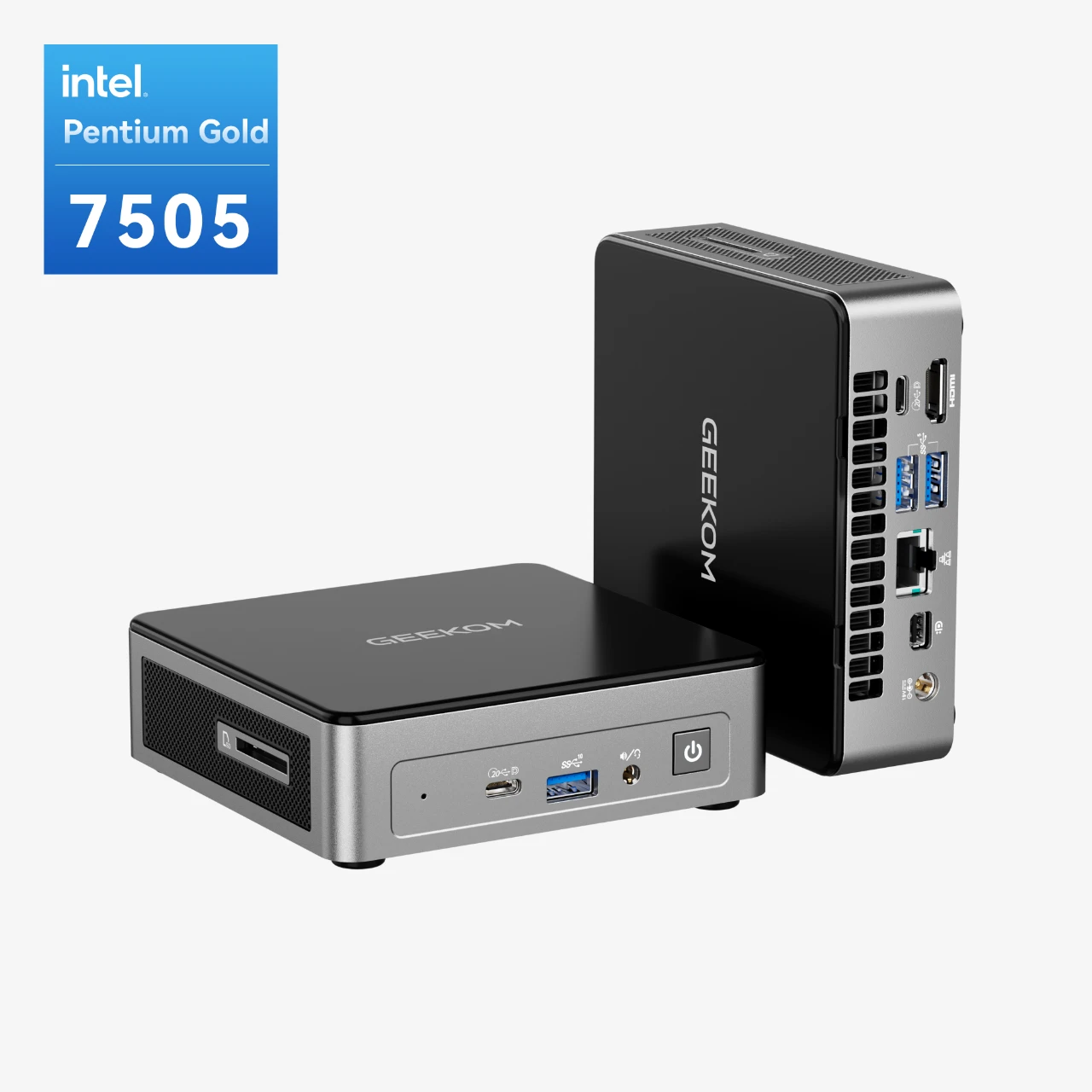
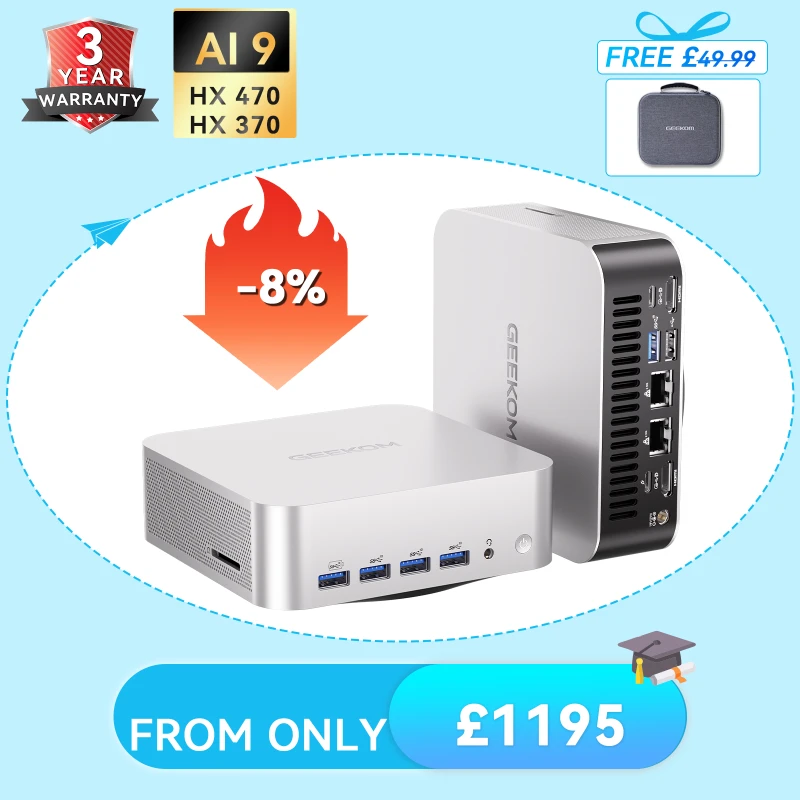
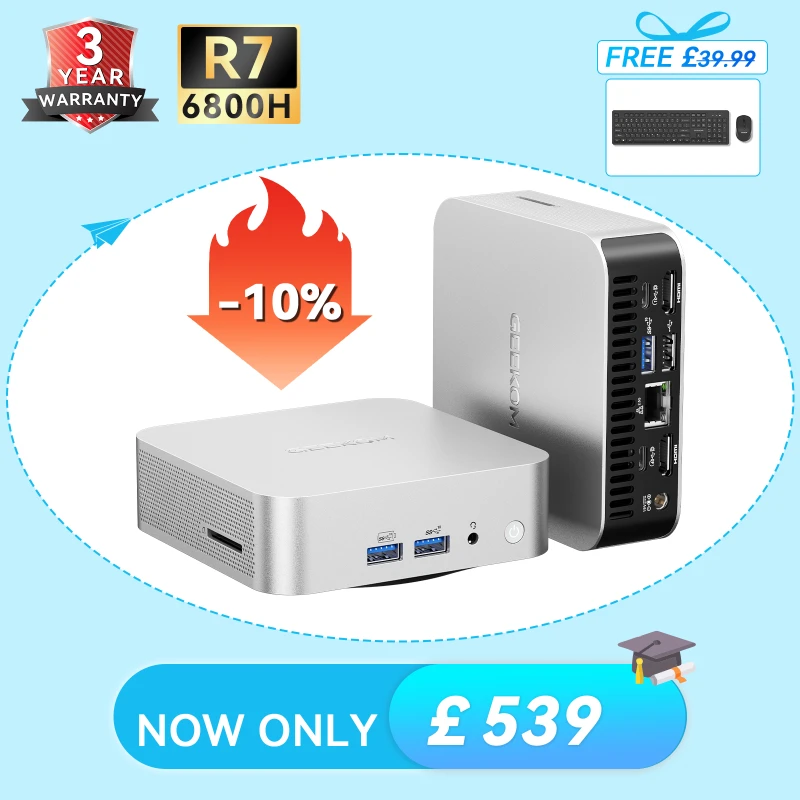
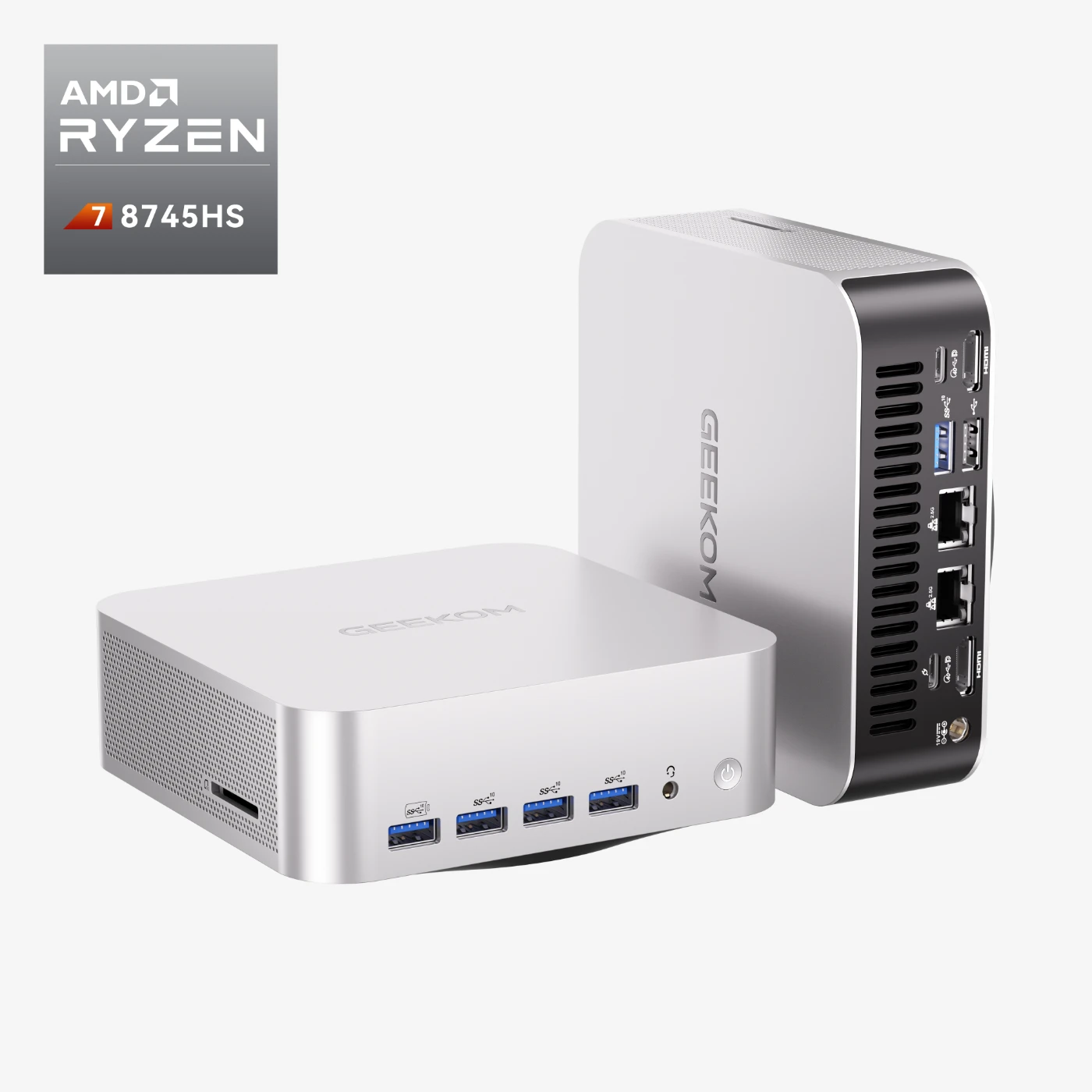
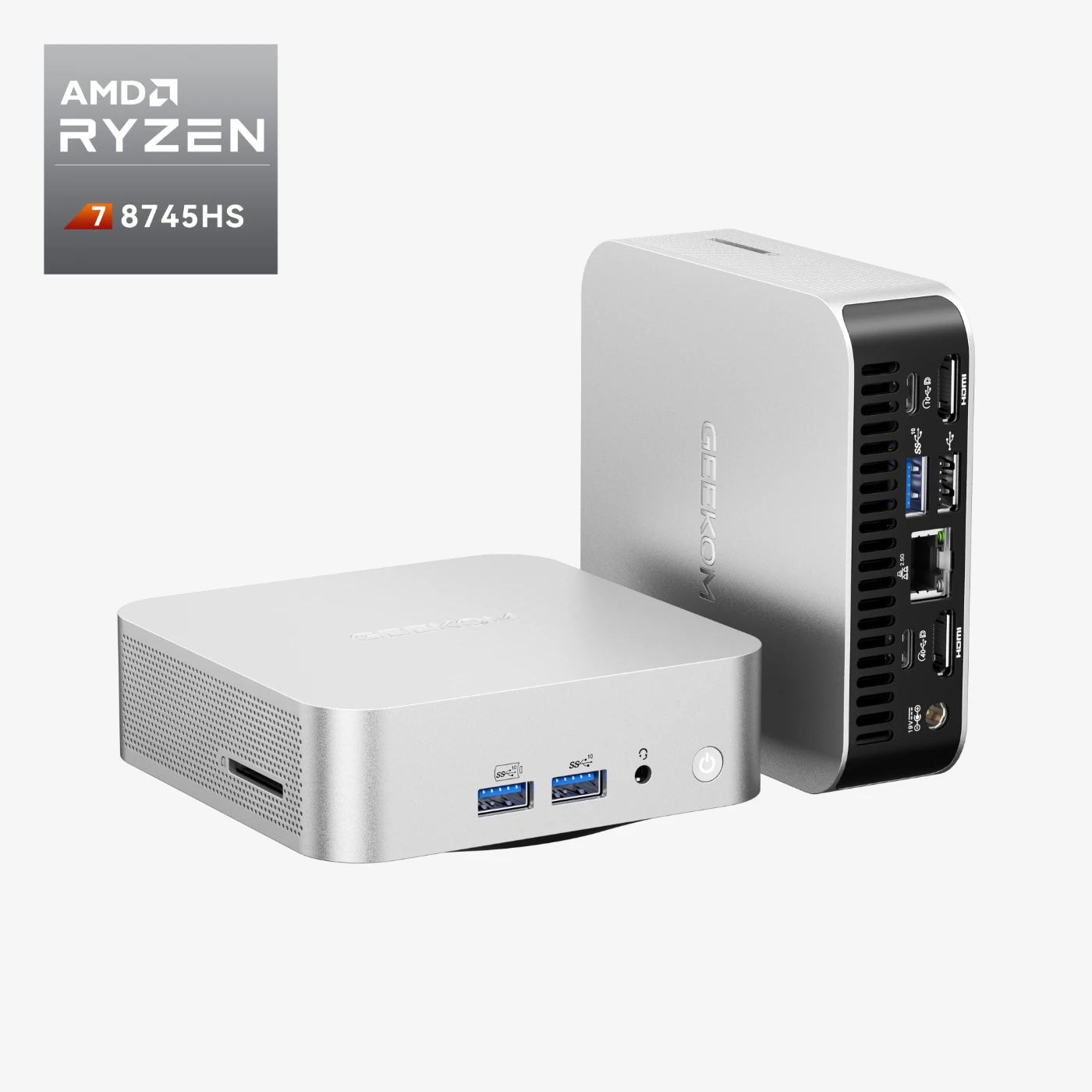
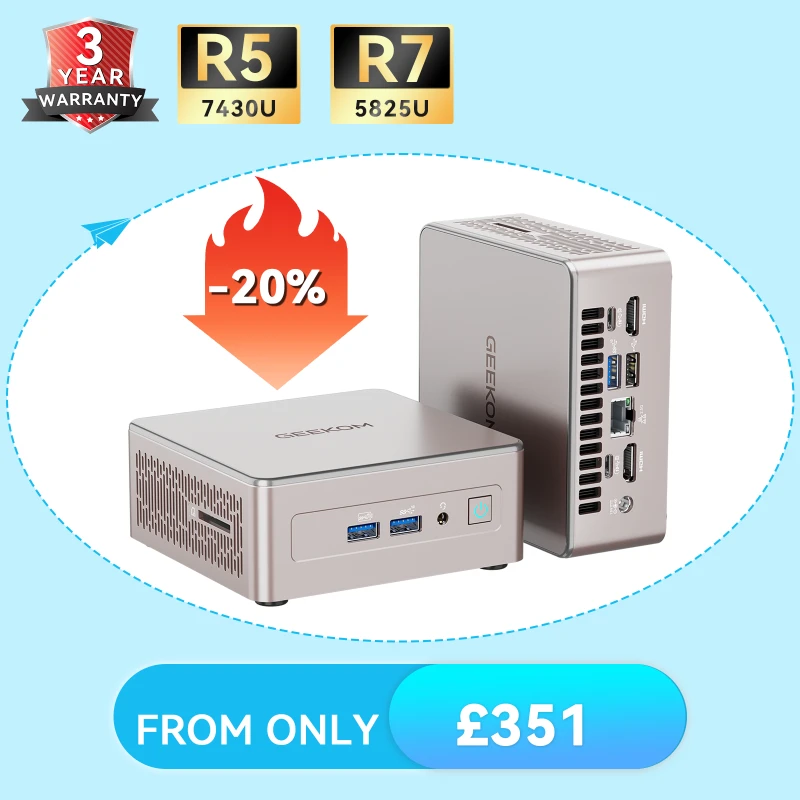
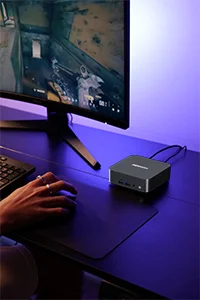


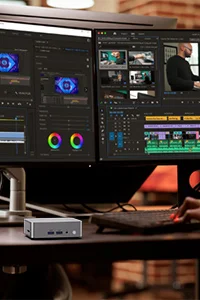


The Core i9 is Intel’s top-of-the-line consumer processor, and it offers the best gaming performance of any CPU on the market. It’s also the most expensive processor, so it’s not for everyone. But if you’re looking for the best gaming performance, an Intel i9 mini PC should be on your shortlist.
-
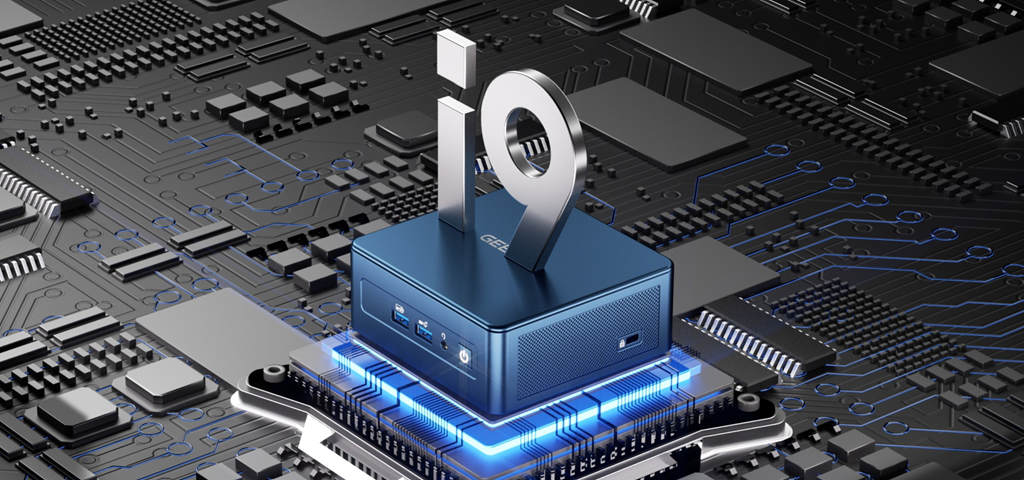
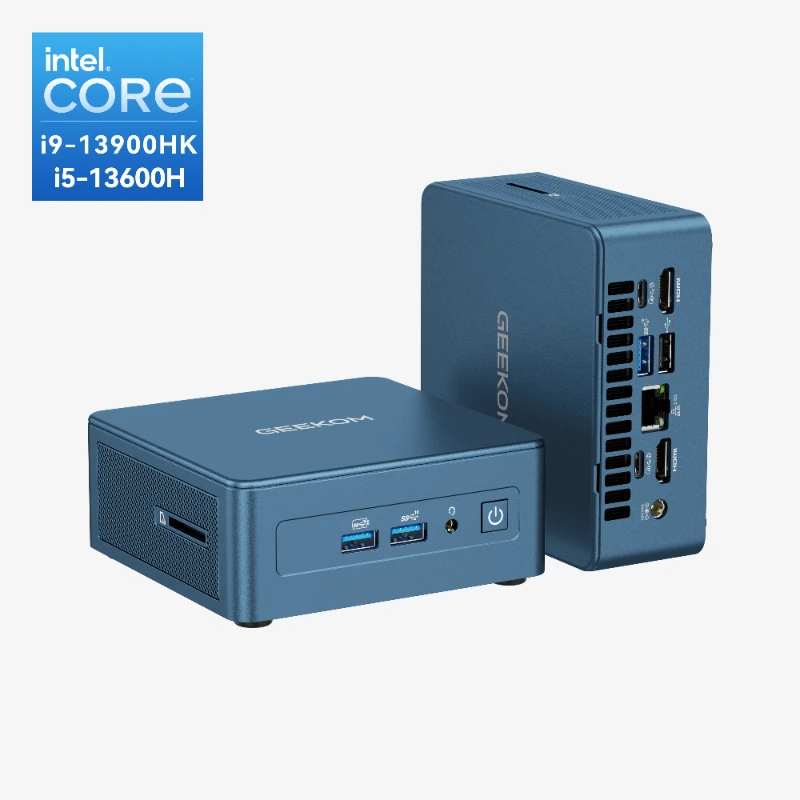
GEEKOM IT13 Mini PC Intel® Core™ i9-13900HK | i5-13600H
£549.00 – £699.00Price range: £549.00 through £699.00Built for long-term performance >>
Quality you can rely on, year after year.
Windows Central “Best Mini PC” — The Ultimate NUC 13 Successor.
- Elite 13th Gen Intel Power: Command desktop-class performance with the 14-Core i9-13900HK or the 12-Core i5-13600H. Handle your heaviest workloads at up to 5.4GHz—all within a compact 0.64L footprint.
- Performance Sweet Spot (16GB+1TB): Ditch the “soldered RAM trap.” Expand up to 64GB RAM and 5TB storage via three slots: M.2 NVMe Gen4, M.2 SATA, and 2.5″ SATA SSD/HDD.
- Pro-Level 8K Visuals & Next-Gen USB4: Drive four 4K monitors or one stunning 8K screen via dual 40Gbps USB4 and dual HDMI 2.0. It’s the perfect hub for data visualization, heavy coding, and seamless file transfers.
- IceBlast 2.0 Silent Cooling: Eliminate thermal throttling. Our dual copper heatpipes are 52% more efficient, keeping the system ice-cold and whisper-quiet (<38dB) even during 24/7 heavy use.
- Industrial Strength & Advanced Networking: Built with a reinforced metal inner frame (440 lbs pressure tested) plus 2.5G Ethernet and Wi-Fi 6E. The most stable connection for zero-latency workflows.
- 3-Year Warranty & Pro Readiness: While others offer 1 year, we provide 3 years of coverage. Passed 339 tests for 5+ years of stability. Includes Win 11 Pro (Linux compatible), Kensington Lock, SD card reader and VESA.

Learn More about Intel i9 Mini PCs
FAQ about Intel i9 Mini PCs
Is i9 faster than i7?
Yes, Intel Core i9 processors are generally faster than Core i7 processors. Here’s a breakdown of the key differences:
Performance Advantages of i9 over i7:
More Cores and Threads
- i9 processors typically have more cores (up to 24 cores in recent models)
- i7 processors usually max out at 16-20 cores
- More cores mean better performance in multi-threaded tasks
Higher Clock Speeds
- i9 CPUs often have higher base and boost clock speeds
- Can maintain higher speeds for longer periods due to better thermal design
Larger Cache
- i9 processors have more L3 cache memory
- This helps with faster data access and improved performance
Better for Specific Tasks
- i9 excels at: Professional 3D rendering, 8K video editing, complex simulations, heavy multitasking with demanding applications
- i7 handles well: 4K video editing, gaming, content creation, moderate professional work
Is the i9 Worth the Extra Cost?
The i9 is worth it if you:
- Do professional video editing (especially 6K/8K)
- Run complex 3D rendering or CAD applications
- Need maximum performance for productivity
- Run multiple virtual machines
- Do heavy computational work (AI/ML, scientific computing)
The i7 is usually sufficient if you:
- Primarily game (even high-end gaming)
- Do standard content creation
- Edit 1080p or 4K video occasionally
- Want great performance without the premium price
Performance difference: In real-world usage, an i9 is typically 10-25% faster than a comparable i7, depending on the specific task and generation. For gaming specifically, the difference is often smaller (5-10%) since most games don’t fully utilize all the extra cores.
Is an i9 overkill for gaming?
Yes, an Intel Core i9 is generally overkill for gaming in most scenarios. Here’s why:
Why i9 is Overkill for Gaming:
Games Don’t Use All Those Cores
- Most games are optimized for 6-8 cores maximum
- Very few games can effectively use the 16-24 cores that i9 processors offer
- Single-core and lightly-threaded performance matters more for gaming
Minimal FPS Difference
- In gaming benchmarks, i9 typically delivers only 3-10% better FPS than i7
- At 1440p or 4K resolution, the difference becomes even smaller (1-5%)
- Your GPU becomes the bottleneck, not the CPU
Poor Price-to-Performance
- i9 costs 30-50% more than i7
- You’re paying premium prices for features games don’t use
- That extra money is better spent on a better GPU or more RAM
When an i9 Makes Sense for Gamers:
You’re Also a Content Creator
- Streaming while gaming at high quality
- Recording and editing gameplay videos
- Running multiple applications while gaming
You Want Maximum Future-Proofing
- Planning to keep the system for 5+ years
- Want headroom for future games that might use more cores
Money Is No Object
- You want the absolute best, regardless of value
- Building a no-compromise system
Better Gaming Alternatives:
Instead of an i9, consider:
- Intel Core i7 or even i5-13600K/14600K – excellent gaming performance
- Spend the saved money on:
- Better GPU (makes the biggest difference in gaming)
- Faster RAM (32GB DDR5)
- Better cooling for higher sustained boost clocks
- Higher refresh rate monitor
Bottom Line: For pure gaming, a modern i5 or i7 paired with a high-end GPU will deliver virtually identical gaming performance to an i9 setup, but at much better value. The i9 only makes sense if gaming is just one part of what you do with your PC.
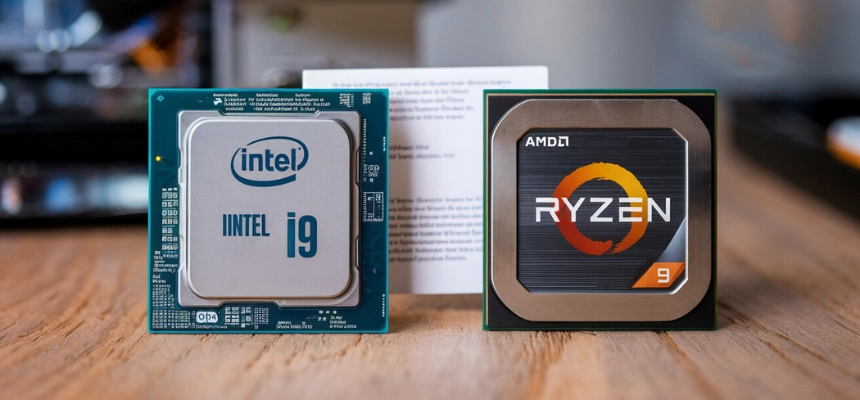
Which is better, the i9 or the Ryzen 9?
The Intel Core i9 and AMD Ryzen 9 are both excellent high-end processor lines, and which is “better” depends on your specific needs and budget.
AMD Ryzen 9 strengths:
- Generally offers better multi-core performance per dollar
- More cores/threads in many models (great for content creation, streaming, heavy multitasking)
- Lower power consumption in many scenarios
- Compatible with less expensive motherboards
- Typically better value for productivity workloads
Intel Core i9 strengths:
- Often has slightly better single-core performance (beneficial for gaming)
- Better compatibility with certain professional software
- Integrated graphics on some models
- Thunderbolt support built into many platforms
- Sometimes edges ahead in pure gaming performance at high refresh rates